
BUILT FOR GOLF CART AND LOW-SPEED VEHICLES
Your Golf Cart Needs More Than Standard GPS
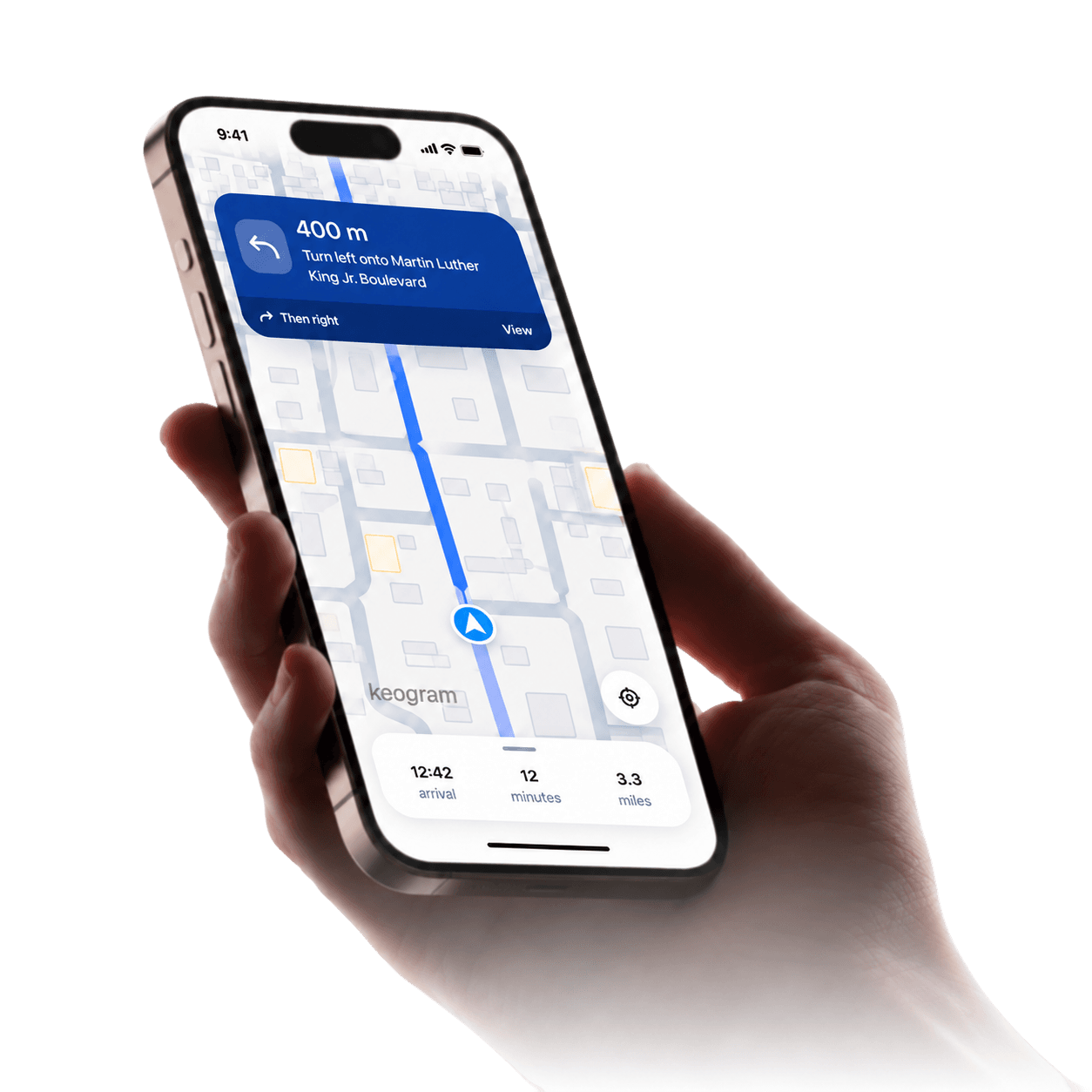
Google Maps, Apple Maps and Waze route you like a car. Cartroute routes golf carts and LSVs only on roads posted at 35 mph or under, with turn-by-turn on iPhone, Android, Apple CarPlay and Android Auto.
Get Started

How Cartroute Compares?
Standard navigation apps are great for general driving. Here’s where a navigation app built for golf carts and LSVs is different.
| Capability | Cartroute | Standard navigation apps |
|---|---|---|
| Routes designed around LSV restrictions |  Routes are evaluated against your cart’s limits |  Typically planned for cars |
| Road speed-limit awareness | Speed limits are visible while you plan |  Speed limits shown in some apps and regions |
| Multiple route options | Compare the available options | Usually offered, ranked by travel time |
| Route suitability information | Roads above your cart’s limit are clearly marked | Not typically provided for LSVs |
| Turn-by-turn navigation | Voice guidance on phone, CarPlay and Android Auto | Widely available |
| Golf cart and LSV-focused experience | Designed specifically for golf carts and LSVs | Designed for general driving |
Features of standard navigation apps vary by app, version and region. Always follow local laws and posted signage.
Navigation Designed Around Your Vehicle
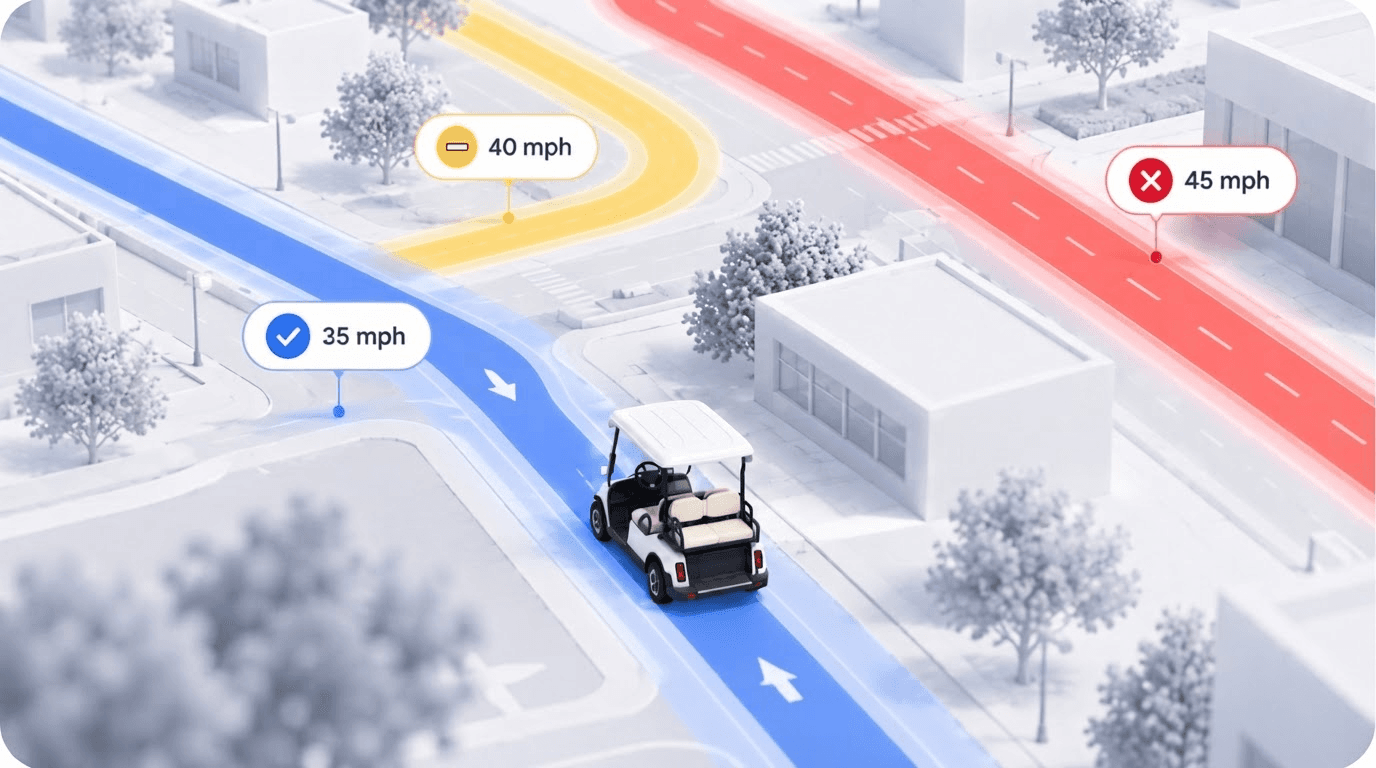
A regular car can use almost any public road, so car navigation focuses on getting you there quickly. Golf carts and low-speed vehicles are often limited to roads below a certain speed limit, and the rules can vary by state and local area. The quickest route isn’t always one your cart can use.
Speed limits shape the route
Cartroute considers posted speed limits when evaluating roads for your vehicle.
Suitability is visible
Roads above your cart’s limit are clearly marked, so you can see why a route was suggested.
You stay in control
Compare the available options and choose the one that works for your ride.
How It Works
Step 1
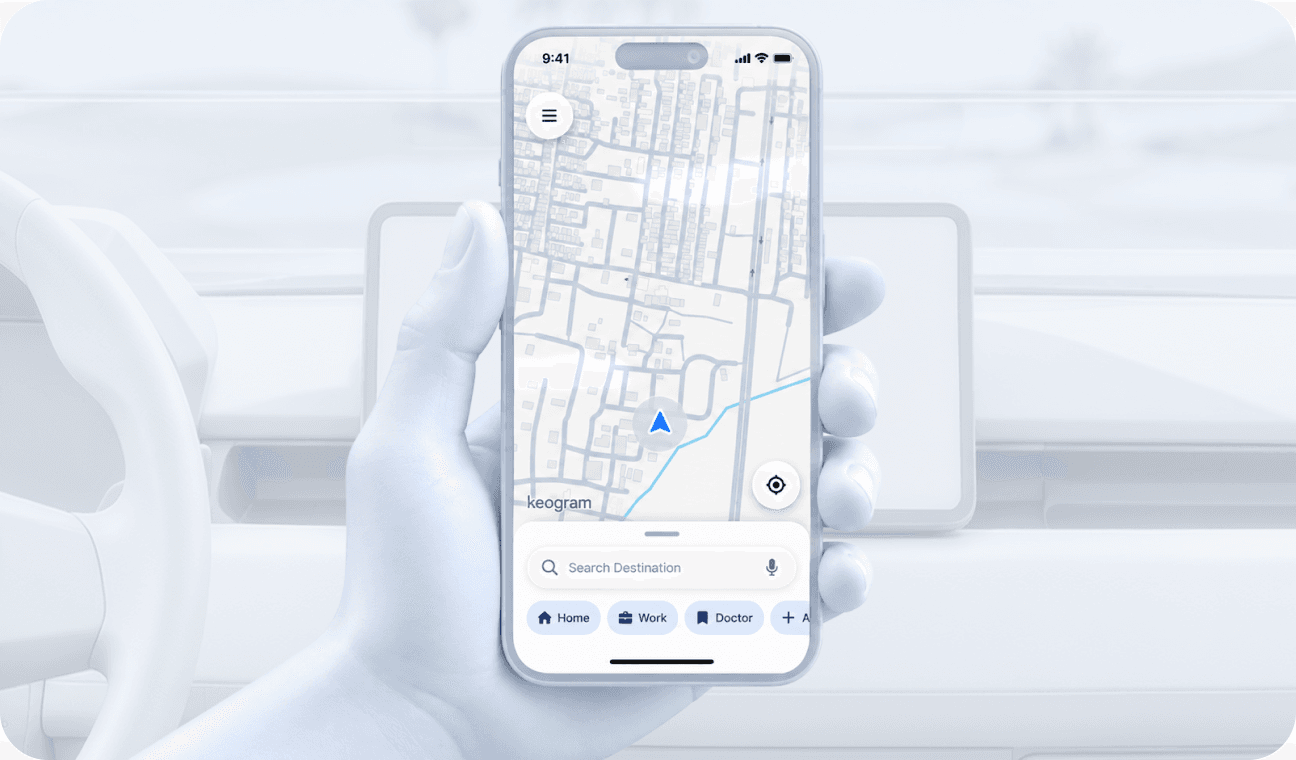
Search for a destination
Type where you’re headed, or pick one of your saved places.
Step 2
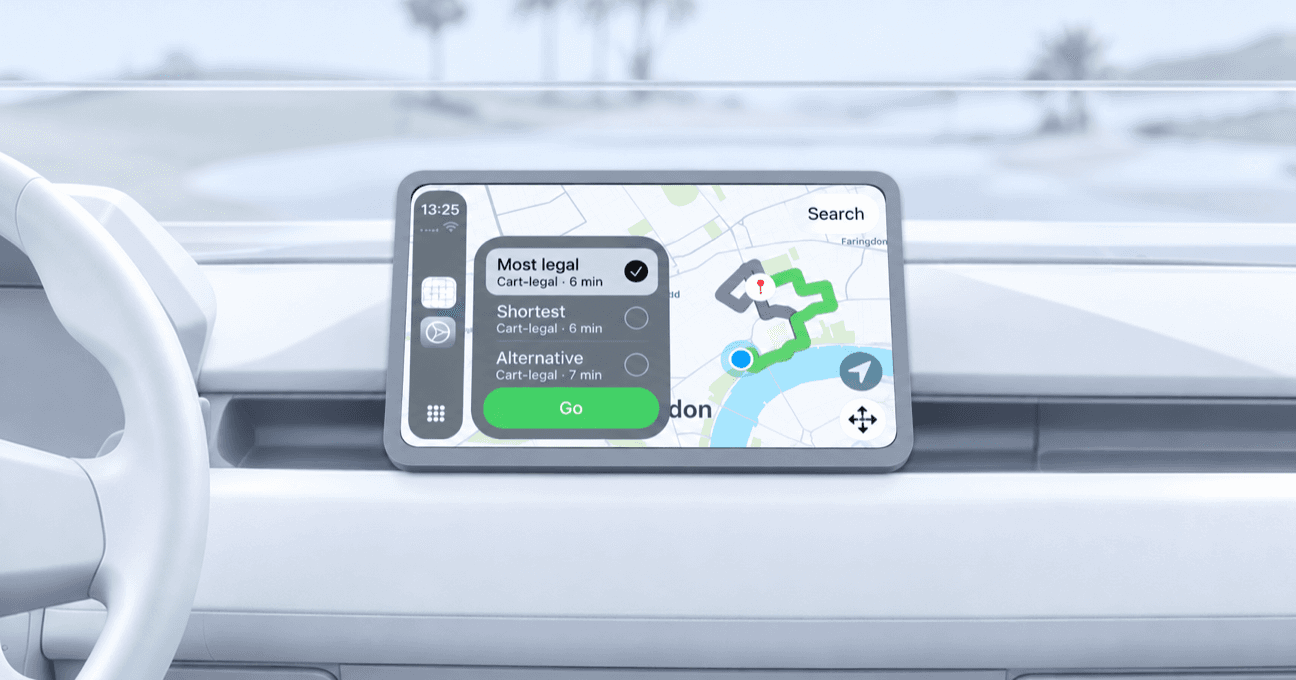
Compare available route options
See the options side by side, with suitability for your cart marked on each.
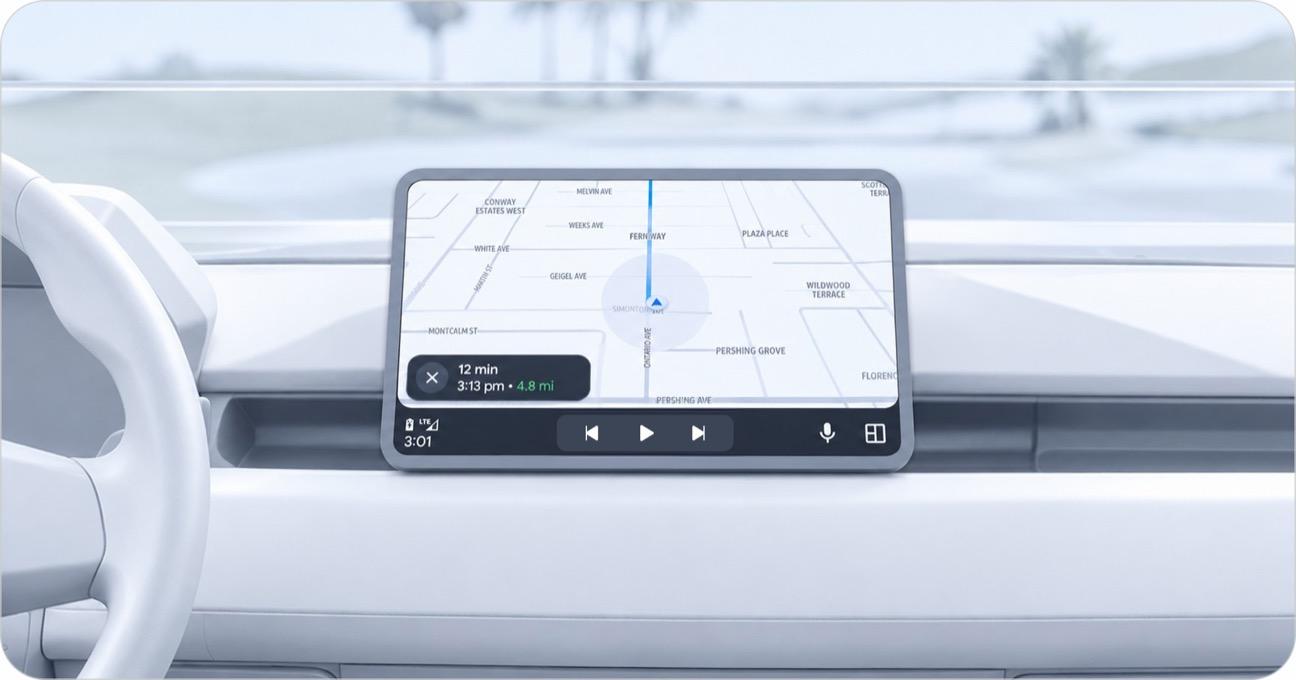
Step 3
Choose a suitable route and navigate
Pick the route that works for you and follow turn-by-turn guidance.
Make Your Next Ride a Better One
Explore navigation designed specifically for golf carts and low-speed vehicles.
Get Started